An API Token is used by third-party applications or scripts to access to your organization via the Qovery API (CI/CD, Terraform, Pulumi, etc.).
You can manage API tokens attached to your organization directly from the Qovery Console or using the Qovery CLI.
Accessing API Tokens
Open Organization Settings
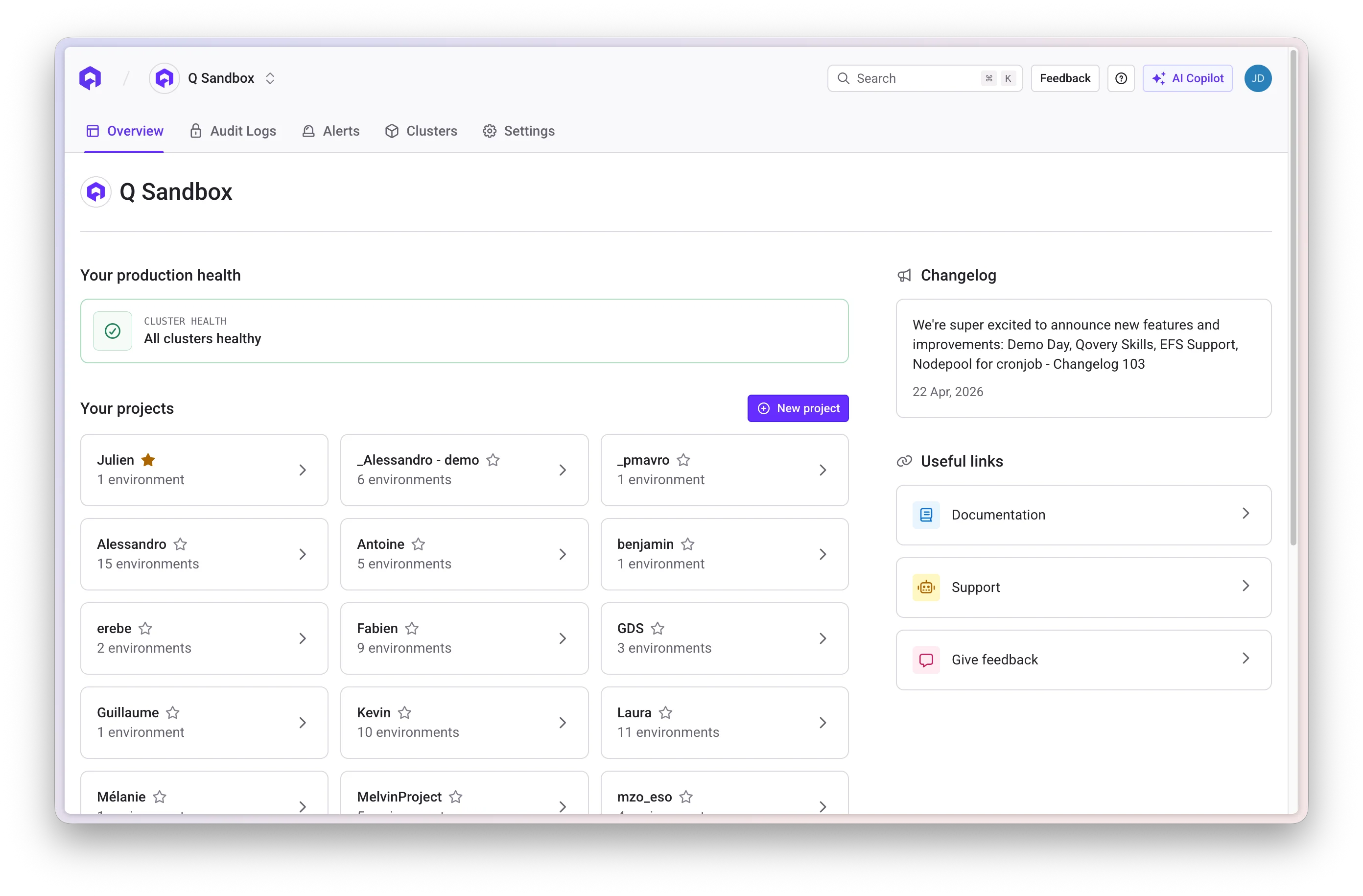
Click the Settings tab while you are on your organization overview. Navigate to Token API Section
Open the Token API section within the organization settings Create a New Token
Click Add new Button
Press the Add new button to create a new API token
Configure Token
Provide the following information: - Name: A descriptive name for the
token - Description: Purpose or usage details - Role: Select a role
managed via the Qovery RBAC system Save Token
After creation, the token will be displayed once
Important: Make sure you safely store the token returned by the UI. You
won’t be able to retrieve it again (you will have to create a new one).
Delete a Token
To remove an API token:
- Locate the token in the Token API list
- Click the delete icon (trash icon) next to the token
- Confirm the deletion
Edit a Token
This functionality is not yet available. To modify a token, you’ll need to
delete the existing one and create a new token.